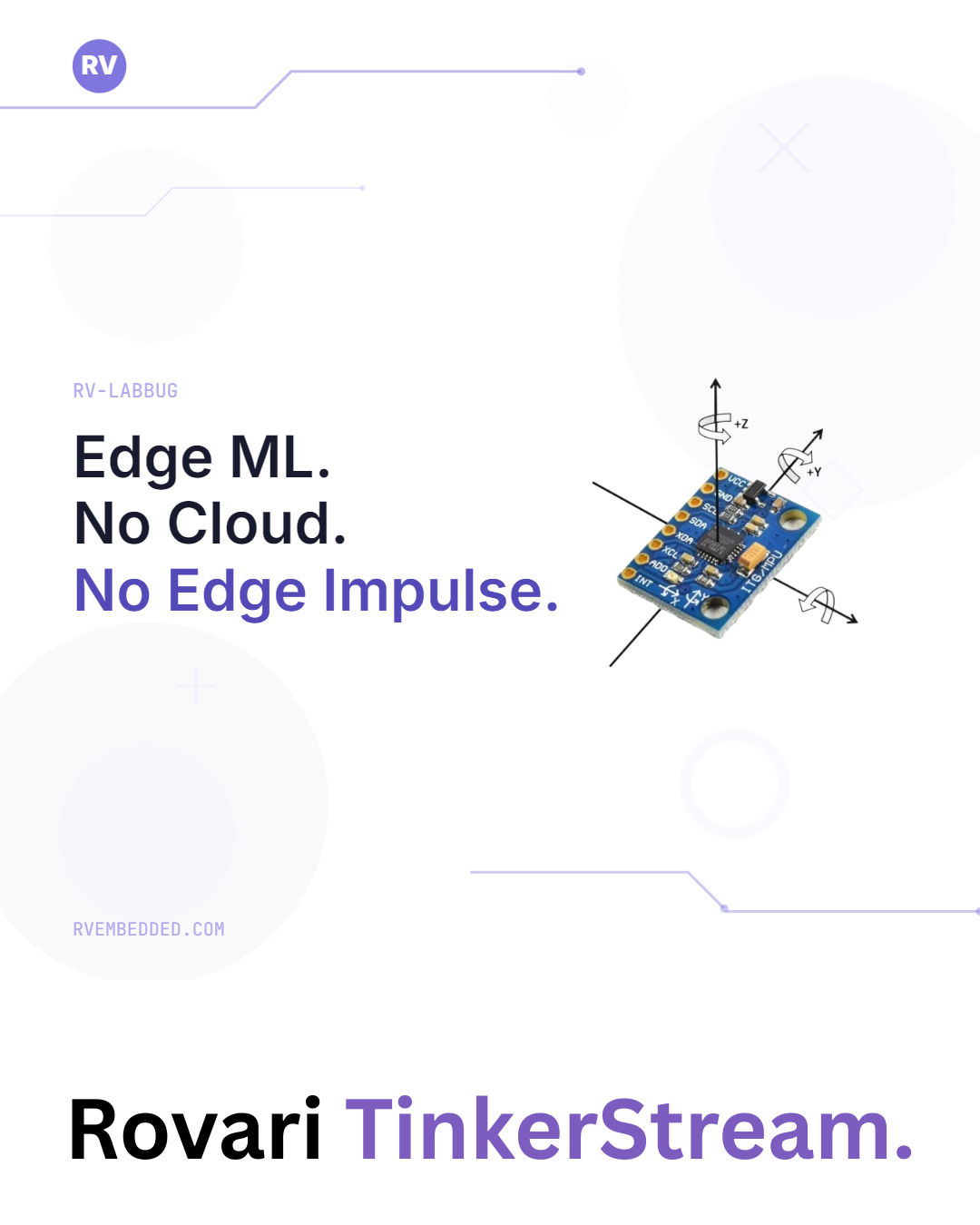
Edge Impulse is a good product and I want to say that plainly before anything else, because what follows is a comparison and comparisons tend to read as attacks when they are not framed. It solved a real problem, the tooling is polished, and for a great many projects it is the correct answer.
It also requires an account and it wants your sensor data on their servers, and the thing it hands back is a C++ library rather than something you can read. Their reach is wider than people give them credit for, since they go down to Cortex M0+ and now list RISC-V through the RP2350 and some ESP32s, so I want to be accurate about where the line actually falls. A representative deployment of theirs lands somewhere around 160KB of flash and 20KB of RAM, which is entirely reasonable on a part with a few hundred kilobytes to spend and completely impossible on a CH32V003 with 16KB of flash and 2KB of RAM. The parts I care most about sit below their floor, and no amount of tuning moves a general purpose inference runtime into two kilobytes of RAM alongside an application.
It was also acquired by Qualcomm, who also acquired Arduino, Foundries.io and other companies that are prominent amongst makers, tinkerers, solo engineers and small shops. I do not know whether that is good or bad, but I do not much like the direction, especially since they started changing the Arduino license (the enshittification of Arduino begins?) and clearly seem to have a strong push toward the cloud.
So the machine learning side of Rovari Studio, which I call TinkerStream, was built around a different constraint. Everything runs on your machine, nothing is uploaded anywhere, and the thing that comes out the far end is a single C99 header with no runtime behind it at all.
What is actually in it
There are seven classical models wired through the framework, and each one has its own code generator rather than sharing a generic serialiser, because the shape of the generated C is different for each and pretending otherwise produces worse output. You get random forest, decision tree, SVM, Gaussian naive Bayes, logistic regression, linear regression, and a Mahalanobis distance anomaly detector. These are good enough to cover a wide array of use cases.
On top of that there is a convolutional path in both float and int8, and the int8 route uses quantization aware training rather than squashing a float model afterwards, which means the weights are learned while simulating int8 rounding and end up genuinely robust from my testing.
There are four feature blocks and most of the time you want the time-series one, which chops the incoming stream into windows and works out a handful of simple statistics for each channel, and that turns out to be plenty for anything where the movement itself is the signal. If what you care about is buried in the frequency content instead, say a bearing that is starting to go on a motor, there is an FFT block for that, and if you are doing voice there is an MFCC path with the whole pipeline written out in C. Raw is there too, for when you have already done your own preprocessing and just want to hand the model your numbers.
Where Edge Impulse is better
In its current iteration there is no feature explorer, and that is the gap I feel most. Their feature explorer plots every window as a point in reduced dimensions coloured by class, and it is genuinely the most useful thing in the whole product, because you can see your mislabelled windows and your overlapping classes before you spend any time training rather than inferring their existence afterwards from a muddy confusion matrix. It is the next thing I am building.
The train and test split in TinkerStream happens at the window level rather than the recording level, which means that with overlapping windows a test window can share samples with a training window, and the reported accuracy is therefore optimistic by construction. Edge Impulse splits at the recording level, which is correct, and I will be fixing this by carrying a recording identifier through the feature extraction stage. It is a smaller tool and I plan to add features as I keep building on the Rovari ecosystem.
A worked example
The rest of this is the gesture classifier I built as a demonstration, running on a CH32V307 with an MPU6050 on I2C. The sensor sits on I2C1 with SCL on PB8 and SDA on PB9, using the remapped pins, with four point seven kilohm pullups on both lines and AD0 tied to ground so the address stays at 0x68. Fix the sensor down to whatever you are holding, because it must not shift between capture and inference for reasons that will become clear at the end.
Reading the sensor
I did this at register level rather than through the driver in the Rovari SDK, partly because it keeps the example in one readable file and partly because it ports to any hardware you happen to have. The capture program wakes the chip by clearing the sleep bit, verifies it is there by reading WHO_AM_I, and then streams three axes of acceleration as bare comma separated integers.
#include "rovari.h"

#define MPU 0x68

void app_init() {
    serial.begin(115200);
    serial.println("MPU6050 live accelerometer");

    I2c wire(I2C_1_ALT);
    wire.begin(100000);

    uint8_t who = wire.readReg(MPU, 0x75);
    serial.printf("WHO_AM_I = 0x%02X\r\n", who);

    wire.writeReg(MPU, 0x6B, 0x00);
    delay(100);
}

void app_run() {
    I2c wire(I2C_1_ALT);

    uint8_t buf[6];
    if (wire.readBuf(MPU, 0x3B, buf, 6) == 0) {
        int16_t ax = (int16_t)((buf[0] << 8) | buf[1]);
        int16_t ay = (int16_t)((buf[2] << 8) | buf[3]);
        int16_t az = (int16_t)((buf[4] << 8) | buf[5]);

        long gx = (long)ax * 1000 / 16384;
        long gy = (long)ay * 1000 / 16384;
        long gz = (long)az * 1000 / 16384;

        serial.printf("%ld,%ld,%ld\r\n", gx, gy, gz);
    }

    delay(20);
}
The default range on the MPU6050 is plus or minus two g, which works out to 16384 counts per g, so the integer arithmetic above converts to milli g without ever touching a float. The delay(20) puts the loop at roughly fifty samples per second.
Note that the output is bare numbers with nothing else on the line. The capture parser rejects anything it cannot read as a comma separated row of floats, so a line formatted as A:123,-45,980 gets silently discarded and your sample counter sits at zero while you wonder what went wrong.
Capturing labelled data
With the serial monitor connected at 115200, the capture panel taps that same stream. You add a label, hit record, perform the gesture for as long as you want data, and hit stop, then repeat for the next label. I used idle, shake and tilt, a minute each, which at fifty hertz gives three thousand rows per class.
The thing to be careful about is that everything recorded gets that label, including the two seconds you spent getting into position, so keep performing the motion continuously for the whole minute rather than doing it once and waiting.
Features and training
| Setting | Value |
|---|---|
| Feature block | Time-series statistics |
| Window size | 50 samples |
| Stride | 25 samples |
| Channels | 3 |
| Sample rate | 50 Hz |
| Algorithm | Random Forest |
| Trees | 10 |
| Max depth | 6 |
| Test split | 0.2 |
A window of fifty samples at fifty hertz is one second of motion, with a stride of twenty five giving a new prediction every half second. Six statistics across three axes is eighteen features per window, and three thousand rows per class works out to roughly a hundred and eighteen windows per class going into training.
Those three gestures are separable almost by inspection, which is why they make a reasonable demonstration and a poor benchmark. Tilt shifts the mean of whichever axis is now pointing at the floor, shake drives the standard deviation and rms up on every axis at once, and idle is flat on all of them. A depth six forest has no trouble with that.
On the device
After exporting, the inference program is the capture program with the feature buffer added.
#include "rovari.h"
#include "ts_timeseries.h"
#include "ts_model.h"

/* init as before */

void app_run() {
    I2c wire(I2C_1_ALT);

    uint8_t buf[6];
    if (wire.readBuf(MPU, 0x3B, buf, 6) == 0) {
        int16_t ax = (int16_t)((buf[0] << 8) | buf[1]);
        int16_t ay = (int16_t)((buf[2] << 8) | buf[3]);
        int16_t az = (int16_t)((buf[4] << 8) | buf[5]);

        float sample[TS_CHANNELS];
        sample[0] = (float)((long)ax * 1000 / 16384);
        sample[1] = (float)((long)ay * 1000 / 16384);
        sample[2] = (float)((long)az * 1000 / 16384);

        ts_push_sample(sample);

        if (ts_window_ready()) {
            float features[TS_NUM_FEATURES];
            ts_extract_features(features);
            int r = ml_predict(features);
            serial.printf("detected: %s\r\n", ML_CLASS_NAMES[r]);
            ts_reset_window();
        }
    }

    delay(20);
}
The integer division and the milli g scaling are byte for byte identical to the capture program, deliberately, including the truncation. The CH32V307 has a floating point unit so the feature maths costs almost nothing, and it is worth saying that the V307 is a comfortable enough part that Edge Impulse would run on it perfectly well, so this example is not one of the cases where their tooling cannot reach. The interesting case is the CH32V003, where you would take the same approach in fixed point, and where you can only do that because there is no runtime in the way dictating what representation you use.
What About Filtering and Calibration?
There is no calibration anywhere in either program, which means the model has learned whatever mounting offset and orientation it was captured with, I deliberately wanted to see performance on noisy inputs. If we peel the sensor off and stick it back on rotated and the accuracy falls apart. That is fine for a demonstration and it is not fine for a product, and it illustrates the more general point better than a working calibration routine would have, becasue whatever the model sees at deployment has to match what it saw during capture, in units, in orientation, and in sample rate, and every one of those is easy to break.
The digital low pass filter on the MPU6050 is also left off, and the six byte read has no frame coherency check, so occasionally a torn sample gets through. Windowed statistics absorb that without complaint, which is one of the quiet advantages of mean and standard deviation over anything more delicate, but it would matter a great deal if I were feeding the spectral block instead, because aliasing noise into FFT bins is not something averaging saves you from.
Where this goes
The feature explorer is next, followed by fixing the split to operate at the recording level, and then resource estimation so you know what a model costs before you flash it. TinkerStream ships inside Rovari Studio, which is free to download and runs on Windows, Linux and macOS with everything bundled and version pinned, because I would rather hand someone an installer that works than a package manager that fetches stuff. You can see a video of the demo here if you are interested:
TinkerStream: A Local Edge Impulse Alternative for RISC-V
Armstrong Subero is an embedded systems engineer and published author with Apress/Springer. He builds the Rovari RISC-V education platform from Trinidad and Tobago.